Bento Blog
Practical growth for creators.
Source-backed guides for building, publishing, selling, and growing with less busywork.
ElevenLabs Instagram Transcript Generator: Options and Workflow
A practical look at the ElevenLabs Instagram transcript generator and its alternatives, what links can and cannot do, and a workflow for reusing Reel text.
Instagram Reel Transcript Free No Sign Up: What to Know
A practical guide to no sign-up Instagram Reel transcripts: how the tools work, the limits to check, accuracy, export formats, and a workflow for reusing your Reels.
Transcript Instagram Reel To Text: A Simple Workflow
A practical guide to turning an Instagram Reel into text: how the tools work, their limits, export formats, and a repeatable workflow for reusing your Reels.
Instagram Transcript AI: Turn Reels Into Text
A practical guide to AI Instagram transcripts: how the tools get your video, what to expect on accuracy, and how to reuse one Reel across your content.
Facebook DM Automation
A practical guide to Facebook DM automation: what it is, the rules to follow, which triggers to use, and a simple workflow to turn comments into conversations.
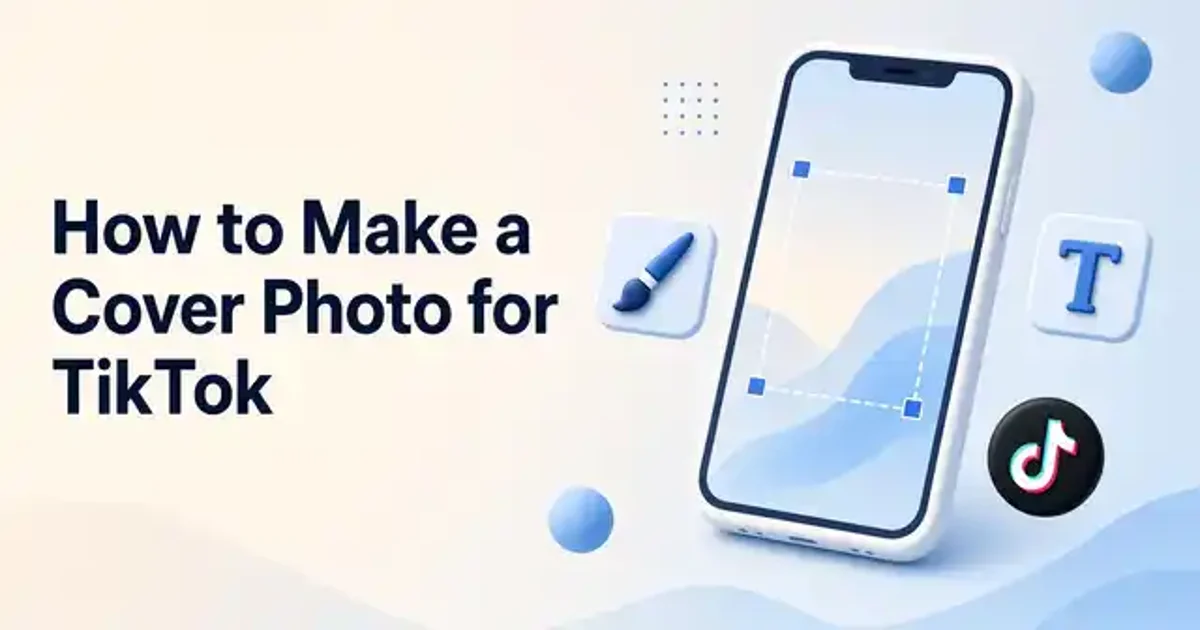
How to Make a Cover Photo for TikTok
A step by step workflow for making a TikTok cover photo, from choosing the image and text to uploading it and keeping your grid consistent.
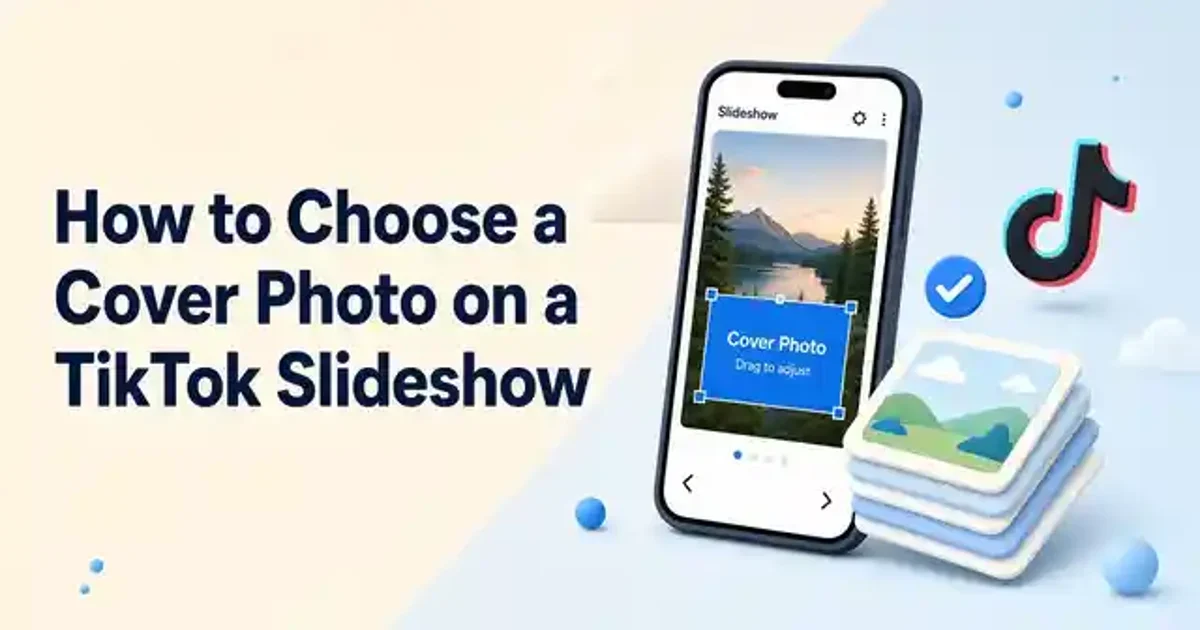
How to Choose a Cover Photo on a TikTok Slideshow
Where TikTok puts the slideshow cover control, three questions for picking the right frame, and how to keep cover text clear and easy to read.
Instagram Reel Cover Download: How to Save and Reuse Covers
A simple workflow for saving Instagram Reel covers as standalone images, plus tips to design and plan covers so you rarely need a downloader.
Auto DM on X (Twitter): A Safe Setup Guide
Auto DMs on X turn replies and reposts into private conversations. Here is how they work, the limits to plan around, and a safe workflow for creators.
What Is a Bio Link and Why Creators Need One
A bio link turns one profile URL into a page with your most important destinations. Here is what it is, why it matters, and how to set one up.
How to Schedule Instagram Reels: Three Methods and a Weekly Workflow
Schedule Instagram Reels from your phone, your desktop, or a scheduling tool. Here are the steps, the limits, and a weekly workflow to stay consistent.
How to Sell Coaching Calls Online: A Simple Workflow
Selling coaching calls online takes more than a video link. Here is a simple workflow from offer to booking, payment, call, and follow up.
X DM Automation: A Practical Workflow for Creators
X DM automation can help or hurt. Learn the difference between conversation and outreach tools and follow a workflow that keeps messages useful.
How to Set Up a Custom Domain for Your Bio Link
Put your bio link on your own domain with a simple workflow: pick a tool that supports it, choose a subdomain, add one DNS record, and test.
Free YouTube to Transcript Converters: How They Work and What to Pick
Free YouTube transcript converters work in different ways. Here is how to pick the right kind of tool and get a clean, usable transcript.
YouTube Transcript vs Captions vs Subtitles: What Creators Need
Transcripts, captions, and subtitles each serve a different viewer. Here is how they compare and when your channel should use each one.
YouTube Shorts Transcripts for Repurposing: A Simple Workflow
Shorts transcripts are short, focused, and easy to reuse. Here is what to make from them and a batching workflow that keeps repurposing simple.
How to Repurpose a YouTube Transcript Into Short Form Posts
A practical workflow for turning a YouTube transcript into short form posts, from getting a clean copy to matching each idea to the right format.
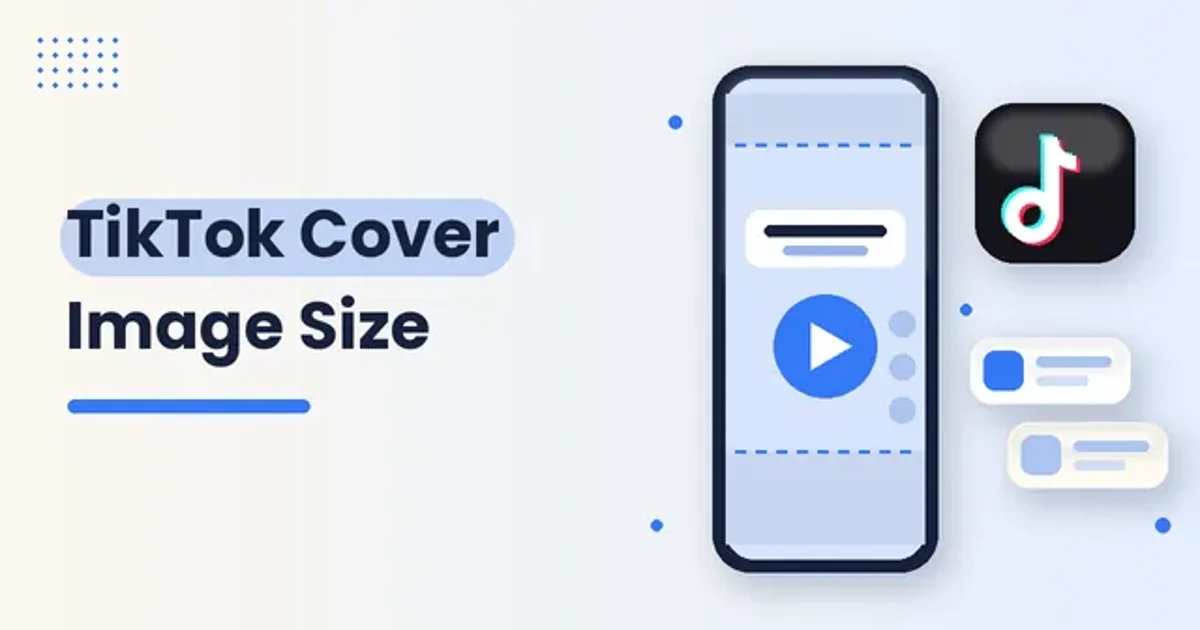
TikTok Cover Image Size: The Right Dimensions and Safe Zones
The TikTok cover image size to use, the safe zones that keep your title visible, and a repeatable workflow for designing covers.
Meta Private Replies: Auto DM Rules for Creators
A practical guide to Meta private replies for creators, covering how auto DMs work, where they land, the rules to respect, and a comment to DM workflow.
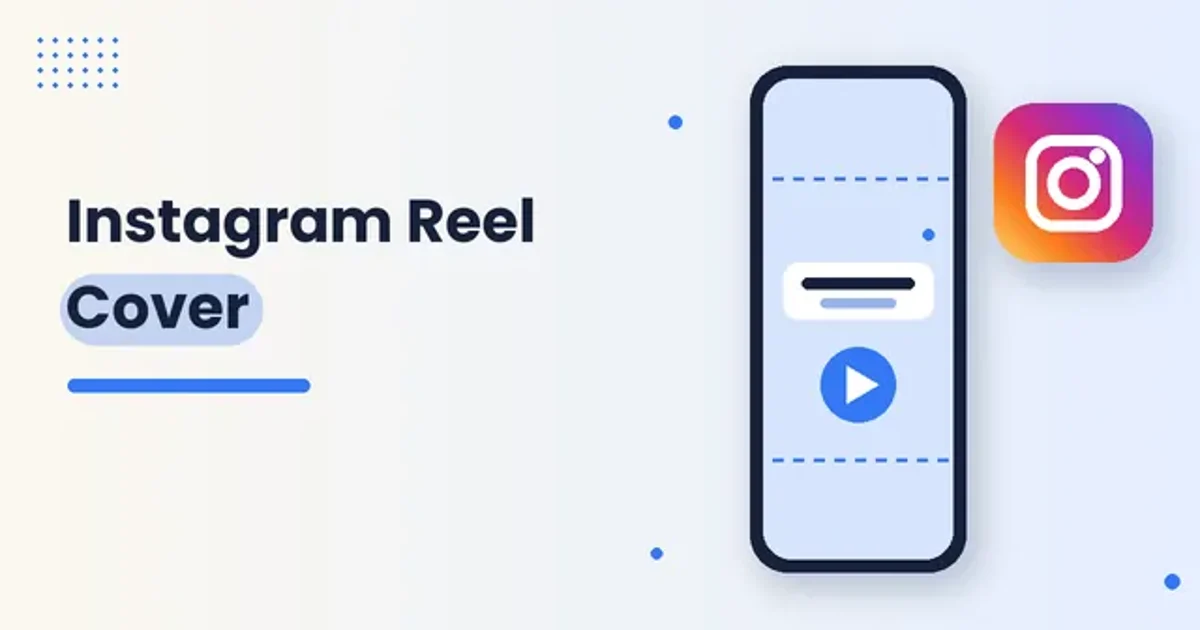
How to Set an Instagram Reel Cover: Steps, Sizes, and Edits
A practical workflow for Instagram Reel covers: set a thumbnail on Share, add a camera roll image, edit after posting, and keep text inside the grid safe zone.
How to Use a YouTube Transcript for Blog Posts: A Simple Workflow
A step by step workflow for turning a YouTube transcript into a readable, search friendly blog post without losing your voice.
How To Use An Instagram Reel Transcript To Write Captions
Your best Reel caption is already in your audio. Here is how to pull a transcript, clean it up, and shape it into a caption people read.
Open Source Social Media Scheduling Tools
What open source social media scheduling tools offer creators, how they compare with hosted schedulers, and a practical workflow for choosing one.
Free Social Media Scheduling Options For Creators
A practical guide to free social media scheduling options for creators: what free tiers really unlock, how to choose a category, and how to pair a scheduler with your creator stack.
How To Pick A TikTok Cover Frame
A practical workflow for picking a TikTok cover frame: choose a clear frame or custom image, add short text, save before you post, and know when you can still edit after publishing.
How To Sell Digital Products On Instagram Without A Website
You can sell ebooks, templates, and courses from Instagram without a website. Here is a step-by-step workflow covering account setup, checkout options, your bio, and posting.
How To Sell Digital Products As A Creator
Learn how to sell digital products as a creator with a simple workflow: pick a product your audience wants, choose where to sell, automate delivery, and keep marketing.
How To Schedule Instagram Reels From Desktop
A practical desktop workflow for scheduling Instagram Reels: set up a professional account, prepare files, pick a scheduler, and review your queue.
How To Sell Coaching Sessions Online
Sell coaching sessions online with a clear offer, real client research, a delivery stack you control, packaged sessions, and a simple booking plus payment flow.
How to Schedule TikTok Videos
A practical guide to scheduling TikTok posts with the native desktop tool or a third-party app, plus a creator workflow that keeps posting consistent.
Email Marketing Lead Magnet Ideas for Creators
Practical lead magnet ideas for creators who want to grow an email list, with tips on choosing a format and placing the signup where fans click.
Best Platforms to Sell Digital Products
A plain guide to choosing where to sell ebooks, templates, courses and other digital products, with a checklist and a fair look at the options.
YouTube Video Transcript Generator for Creators
A practical guide to getting a YouTube transcript, checking it, and repurposing one video into captions, newsletters, and scheduled posts.
Creator Audience Growth Strategy
A practical creator audience growth strategy: compounding growth loops, smart use of trends, reach and depth content, owned channels, and a weekly workflow.
Social Media Scheduling Workflow for Creators
A practical social media scheduling workflow for creators, covering planning, batching, approvals, automatic publishing, and weekly reviews.
Instagram Comment Automation Guide for Creators
A practical guide to Instagram comment automation: how comment-to-DM works, a simple setup workflow, caption and DM tips, and habits that keep your account safe.
Link in Bio Page Examples for Creators
Your bio gets one clickable link, so every button on your page has to earn its spot. These link in bio page examples show what works and how to build your own.
How to Schedule a Facebook Post (Page Workflow)
Scheduling Facebook posts for a Page keeps your publishing calm and consistent. This guide walks through Meta Business Suite on desktop, mobile options, editing scheduled posts, and when a third-party scheduler helps.
Email Marketing for Creators: A Simple Workflow That Builds Trust
A creator email list works best when people know why they are signing up and what they will receive. Start with one clear promise, send useful messages, and improve from real replies.
Creator Website Checklist: What to Include Before You Publish
Your creator website does not need every possible feature. It needs to tell the right visitor what you make, why it matters, and what to do next.