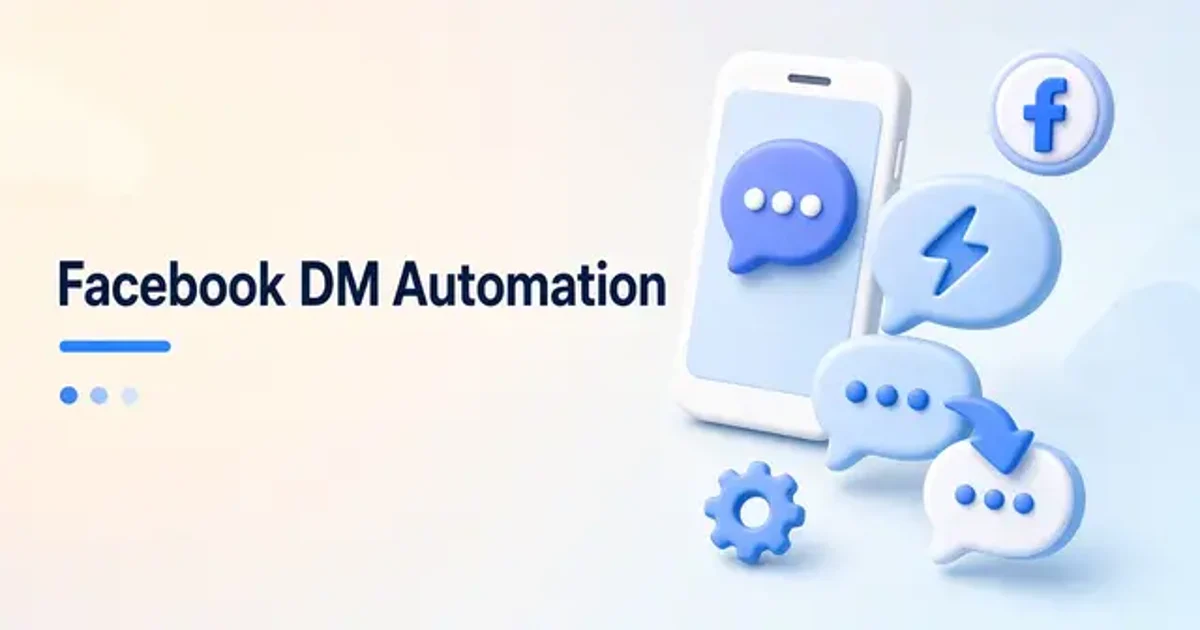
Facebook DM Automation
Learn how Facebook DM automation works, the Meta rules that shape it, and a simple comment to DM workflow creators can set up and improve.
Bento Team · October 26, 2026
TL;DR
- Facebook DM automation sends private replies when people comment a keyword or message your Page.
- Use official Meta APIs, and respect the 24-hour messaging window and one private reply per comment.
- Start with one post, one keyword, and one useful message, then test and measure before scaling.
Facebook comments and Messenger chats are where many buyers raise their hand. They ask for a link, a price, or a time slot, and then they wait. If the reply comes late, the moment is often gone. Facebook DM automation closes that gap by answering the right people in a private message without you sitting in the inbox all day.
What is Facebook DM automation?
Vista Social defines Facebook DM automation as using automation platforms, chatbots, and other tools to automatically send, receive, and manage messages without responding to each Messenger chat manually. Instead of typing every reply, you can set up pre-built conversation flows for FAQs, instant replies, routing to the right person, lead capture forms inside Messenger, and follow-up sequences.
The most common version for creators is comment to DM. PeggyDM describes Facebook auto DM as automatically sending private direct messages to people who engage with your Facebook Page, typically when they comment on your posts. The tool detects the comment, matches the keyword, personalizes the message, and sends the DM. This is different from auto-commenting, which replies publicly.
Why private replies beat public ones
A public reply sits in a thread that people rarely revisit. A private message lands in their Messenger inbox. PeggyDM claims public comment replies see a 1-5% engagement rate while private DMs see an 80%+ open rate, and notes that DMs can include clickable buttons, links, images, and personalized greetings that comment replies cannot.
Treat those numbers as a vendor's claim rather than a guarantee. The more useful point is practical: a private message lets you send exactly what the person asked for, in a place where they will see it, without cluttering your comment section.
The rules you need to know first
Automation on Facebook is not a free-for-all. Replient explains that DM automation works through the official Instagram Messaging API or the Facebook Pages API, a Meta-approved interface available to business and creator accounts. It contrasts this with unofficial bots that put your account at risk.
Timing rules matter too. Replient notes that Meta only allows automated messages within a 24-hour window after the user's last interaction, so you cannot send mass DMs to followers who have not engaged for weeks. Automation must be triggered by a user action, and for comment to DM, a maximum of one automated private message may be sent per comment.
Pick your triggers
Replient lists three main trigger types. Keyword comments fire when a user comments a specific word, such as DISCOUNT or GUIDE, under your post. Story replies fire when someone replies to your Instagram story. Inbound DMs fire when a user sends you a message with a specific keyword, which suits FAQs, price lists, or booking links.
PeggyDM adds that different comments can get different DMs. A comment asking about price can trigger pricing info, while a comment saying book can trigger a reservation link. It also supports auto-replies to incoming Messenger messages, such as welcome messages, FAQ answers, and lead forms.
A simple Facebook DM automation workflow
Here is a workflow you can follow with almost any official tool. Keep the first version small. One post, one keyword, and one useful message will teach you more than a complex flow you never finish.
- Choose one goal, such as sending a guide, a product link, or a booking page.
- Connect your Facebook Page through an official, Meta-approved tool.
- Pick a single keyword that is easy to type and hard to use by accident.
- Write a short message that delivers the promised item in the first line.
- Add a clear next step, such as a button, a link, or a question.
- Test the flow from a second account before you announce the keyword.
- Tell your audience the keyword in the post and in the caption.
PeggyDM outlines a similar setup: connect your Facebook Page, write a DM template with variables like first_name, set keyword triggers or enable the automation for all comments, then choose delay settings and enable it. It says delays can be configured so messages appear more human, with instant sending also available when speed matters more.
Write messages people are glad to get
An automated message should read like a helpful person wrote it. Open with the thing they asked for. Use their first name if your tool supports it. Keep the message short, and end with one clear action rather than a list of options.
Vista Social highlights how automation can help when someone asks about pricing: it can instantly deliver a carousel of services or send a link to a pricing page. It also points out that you can collect names, emails, phone numbers, or preferences inside Messenger, so you do not need to send people to a landing page.
| Message part | What it does | Example |
|---|---|---|
| Greeting | Makes the reply feel personal | Hi, thanks for the comment |
| Delivery | Gives what was promised right away | Here is the guide you asked for |
| Next step | Moves the conversation forward | Want the full course outline too? |
Measure and improve
Once the flow is live, watch it like any other part of your funnel. Check which posts drive the most keyword comments, which messages get replies, and where people stop responding. Small edits to the first line or the call to action often matter more than adding new branches.
PeggyDM says its analytics show total DMs sent, response patterns, top keywords, and best-performing posts. Whatever tool you use, look for that kind of visibility so you can tell what is working.
Facebook DM automation with Bento
Bento brings DM automation into the same workspace you use to run the rest of your creator business. You can build supported automations for Facebook Page comments and Messenger, as well as Instagram and X, through official network connections rather than browser bots.
The flow is simple: choose the network, connect an eligible account, build the supported trigger and reply, then test and monitor delivery. Bento shows triggers, queued replies, deliveries, retries, and failures for every automation, so you always know whether a message actually went out. When the conversation turns into a sale, your store, bookings, and link in bio are already in the same place.
Start small, follow the rules, and make every automated message worth opening. That is how Facebook DM automation turns comments into real conversations instead of noise.