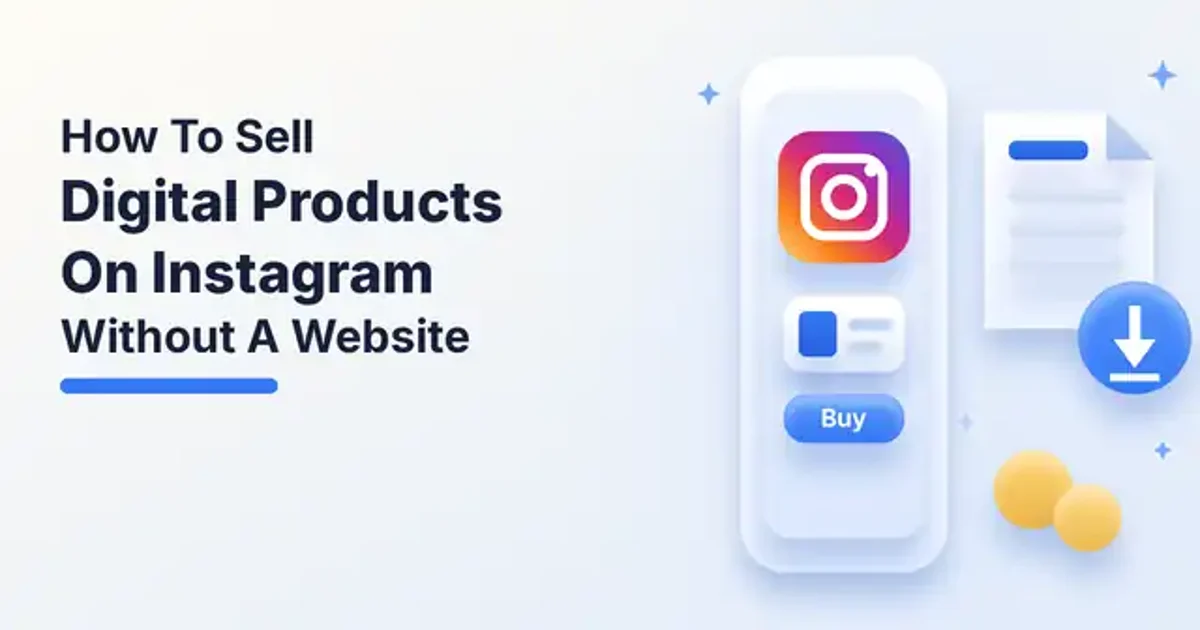
How To Sell Digital Products On Instagram Without A Website
A simple workflow to sell digital products on Instagram without a website: set up a business account, pick a checkout, write a bio that sells, and post often.
Bento Team · October 14, 2026
TL;DR
- You can sell digital products from Instagram without building a website.
- Use a business account and a bio with one clear call to action.
- Sell through Instagram Shopping, a creator platform like Gumroad, or a marketplace.
- Post previews and customer content regularly to turn followers into buyers.
You do not need a website to sell an ebook, a template, or a course. If your audience already follows you on Instagram, you can turn your profile into a storefront and let a selling platform take care of checkout and delivery. This guide walks through a simple workflow: set up the account, choose where the sale actually happens, make your bio do the selling, and post in a rhythm that keeps buyers coming back.
Can you really sell without a website?
Yes. Selling digital products without a website is not only possible, it is increasingly common. As of 2024, 27% of American small businesses operated without a dedicated website. Online marketplaces and digital platforms now let creators sell eBooks, templates, courses, and more directly to customers, so a personal site is no longer required.
Instagram itself can work in your favor. The platform wants users to stay inside the app, so keeping the whole customer journey on Instagram can be an advantage compared to pushing traffic toward outside links. You can use Instagram to build traction until you are ready to build a full-featured website.
Cost is another reason creators start here. Selling on Instagram does not require an investment, and if your budget is too limited for a website, a free Instagram account can be the place where people find your products and buy them.
Step one: switch to a business account
Start by setting up your account properly. Instagram offers two types of accounts, personal and business, and the advice for sellers is to always pick a business account because it unlocks extra features, such as adding a phone number to your profile.
While you are in your settings, choose a clear profile photo, a username people can spell, and a display name that hints at what you sell. These small choices make your profile look like a shop instead of a personal page.
Step two: choose where checkout happens
Without a website, the sale still has to happen somewhere. You have three broad options: sell inside Instagram, send followers to a platform built for digital downloads, or list your product on a marketplace. Many creators mix more than one.
Many business owners use Instagram Shopping to create an entire shop directly on the platform, including checkout and payment. You can also tag shoppable products in your posts, so customers can go from feed to checkout almost instantly without leaving the app.
Creator platforms are the second route. They handle everything from product delivery to payments, so you can focus on content and customer engagement. Gumroad, for example, is free to start with a flat 10% fee on each sale under its free plan, and it offers instant digital delivery, pay-what-you-want pricing, subscriptions, discount codes, and sales analytics. It suits creators who want a minimalist storefront and the ability to sell directly through social media.
Marketplaces are the third route. Etsy is known for handmade and vintage goods, but it is also a popular place to sell printable art, templates, and planners. Its fees include a $0.20 listing fee per item, a 6.5% transaction fee on the sale price, and a payment processing fee that varies by country.
| Option | Where checkout happens | Good fit for |
|---|---|---|
| Instagram Shopping | Inside the Instagram app | Sellers who want buyers to stay in the app |
| Creator platform | A hosted checkout page you link to | Ebooks, templates, courses, and memberships |
| Marketplace | The marketplace listing | Products that benefit from marketplace search |
Step three: make your bio do the selling
You only get a limited number of characters in your bio, so write something simple, to the point, and engaging that communicates the essence of your brand and includes a call to action. Add your phone number and email address too, so anyone with questions about your products can reach you easily.
Point that call to action at one place. A single link to your storefront or link-in-bio page is easier to follow than a list of instructions, and it gives you one spot to update whenever you launch something new.
Step four: post with a selling rhythm
A regular posting schedule is necessary to build an audience. Display your product options in visually attractive images, share the photos and videos your customers post with your products, and engage with your followers so they keep coming back.
Instagram is a visual platform, which makes it a natural place to show what you sell, because potential customers need to see a product before they buy it. The audience is large too, with over 2.35 billion active users. About 90% of Instagram users follow at least one business account, and 62% say they are more interested in a brand after seeing it in an Instagram Story.
For digital products, the visual is usually a preview. Show a page from your ebook, a quick screen recording of a template in use, or a short clip from a course lesson. Each post should answer one question your audience has and point back to the link in your bio.
- A carousel that previews the first few pages of your guide.
- A Reel that shows the before and after of using your template.
- A Story poll asking followers which product they want next.
- A post that shares a buyer's result or message, with their permission.
Step five: learn from what sells
Watch which posts lead to profile visits, link clicks, and sales, then make more of them. Reply to questions in your comments and messages, because each one is a hint about what to make next. Once sales feel steady, you can decide whether a full website is worth the extra work.
Put the workflow together
- Switch to a business account and tidy up your profile.
- Choose Instagram Shopping, a creator platform, a marketplace, or a mix.
- Write a clear bio with one call to action and your contact details.
- Post previews and customer content on a regular schedule.
- Engage with followers and track which posts drive sales.
- Add a full website only when the demand is clearly there.
Selling digital products on Instagram without a website comes down to a short path from post to checkout. Keep that path simple, show your product often, and let a selling platform handle payment and delivery while you focus on creating.